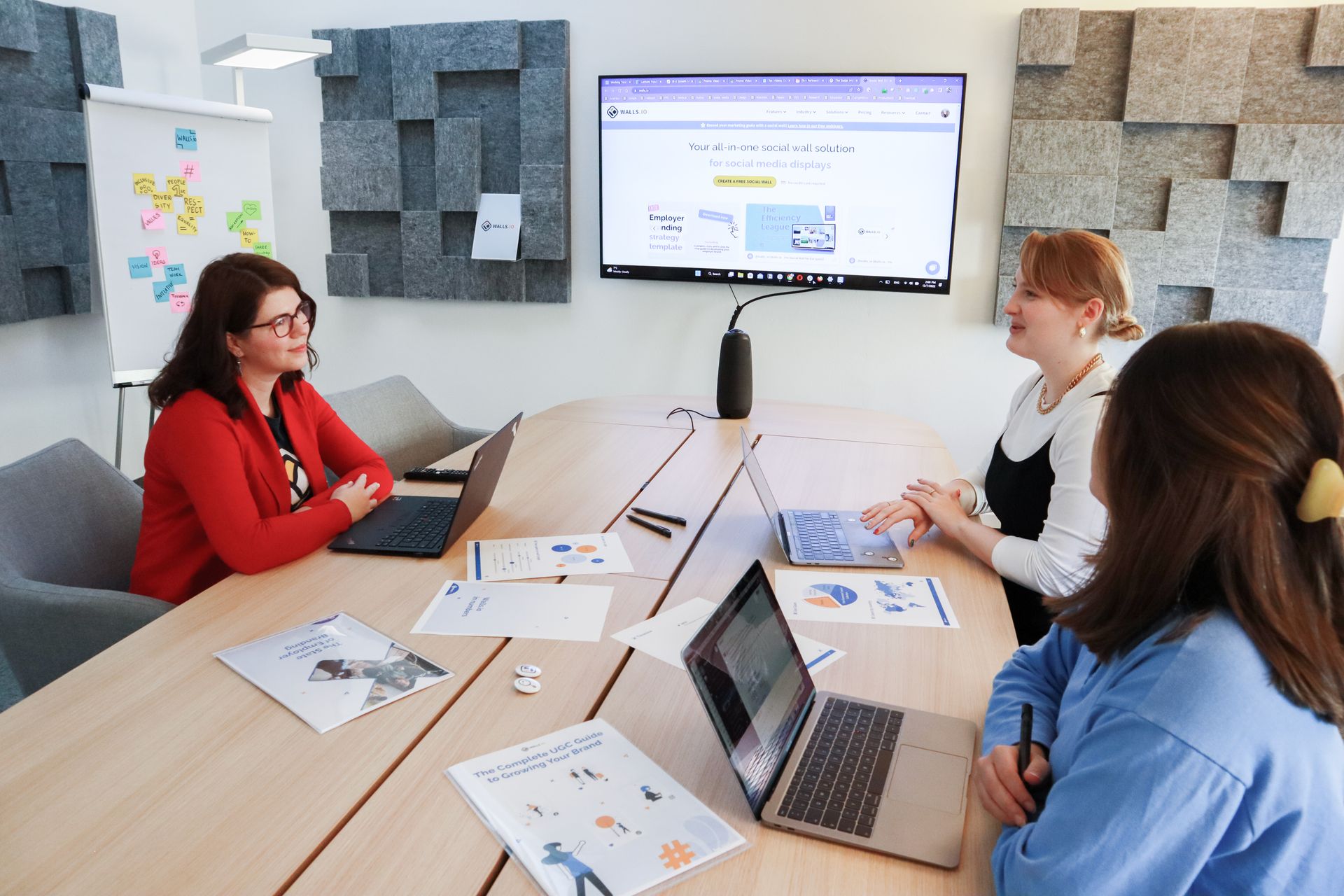
Employee engagement is crucial for any business to succeed. Engaged employees are more productive, motivated, and loyal, which translates to improved business outcomes.
In fact, research shows that among highly engaged teams (top 25%) those with typically high-turnover report 25% lower turnover, and those organizations with typically low-turnover report 65% lower turnover.
Employee engagement is crucial for any business to succeed, and chat tools like Microsoft Teams and Slack can be powerful platforms for promoting it.
What is Employee Engagement?
But what is employee engagement, exactly? At its core, employee engagement is about creating a work environment where employees feel connected, valued, and motivated to do their best work.
This can be achieved through effective communication, recognition and reward programs, and opportunities for professional development and growth.
It's important to focus on engagement because highly engaged employees will perform better and are less likely to leave the team - potentially increasing the bottom line and saving the business money in the process.
Using Microsoft Teams and Slack for Employee Engagement
Microsoft Teams is a powerful platform for facilitating employee engagement in the workplace. Slack is another popular chat tool, known for its ease of use and customization options, that can be used to promote employee engagement.
Teams can use these platforms for everything from team chats to virtual meetings to project management. They are designed to promote collaboration and foster communication across all levels of an organization.

Creating Channels for Common Interests
One way to use Slack for employee engagement is by creating channels dedicated to different topics or interests.
For example, a company might have a channel dedicated to wellness initiatives or team-building activities. This can help employees feel more connected to their colleagues and engaged in their work.
Providing Real-Time Employee Feedback
Managers can also use Teams to provide real-time employee feedback, which can help employees feel valued and supported in their work.
This can be as simple as sending a quick message to acknowledge a job well done or to offer constructive feedback for improvement.
You can formalize this process with a platform, such as WorkStory, to prompt team members for specific feedback and collect this data as part of a larger, continuous performance evaluation process.

Regular Check-Ins for Improved Communication
Continuous feedback collection involves regularly checking in with employees to gather feedback on their work and progress towards their goals.
Chat tools like Microsoft Teams and Slack can make it easy for managers to provide feedback in real-time, whether it's through a quick message or a video call.
Use Your Tools to Boost Engagement
By utilizing these tools, and others, businesses can create a more engaged and productive workforce, leading to improved business outcomes.
To learn more about the benefits of employee engagement, check out one of our other posts, "The Business Case for Employee Engagement".
Employee Engagement Tools for Microsoft Teams and Slack
Teams and Slack already carry most of your day-to-day communication, which makes them the natural place to listen to employees. The gap is that chat tools do not keep a record, spot trends, or tie feedback to performance. WorkStory adds that layer: it sends feedback prompts inside Teams or Slack, collects every response in one place, and shows sentiment and category trends on a live dashboard so engagement shows up as data, not guesswork.
See how it works in Microsoft Teams and Slack, or read how the same approach powers reviews inside Teams and reviews inside Slack. To see engagement tracked over time, try the track team engagement over time example.
Want this running in your workspace? Book a demo.
Employee Engagement in Microsoft Teams: What to Track
Engagement is hard to improve when the only signal is an annual survey. In Teams, short and regular check-ins give you a running read instead: how people feel about their work, which topics keep coming up, and whether sentiment is moving the right way.
Pulse surveys are the lightest way to do it: a few questions, sent on a schedule, answered where people already read messages. WorkStory runs regular pulse surveys through Microsoft Teams and shows sentiment and category trends on a live dashboard. For the method itself, see pulse surveys: a guide for HR managers.
Engagement and performance feed each other, so it helps to run both in one place. Our how to run a performance review cycle in Microsoft Teams shows how.
FAQ
How do you measure employee engagement in Microsoft Teams?
Teams has no built-in way to measure engagement over time. Add software that collects feedback inside Teams and shows sentiment and category trends. WorkStory does this, so engagement becomes a trend you can track.
How do you collect employee feedback in Microsoft Teams?
Use a tool that sends feedback prompts in Teams so people answer in minutes without logging into another system, and stores every response in one record.
Can Slack be used for employee engagement?
Yes, for communication, recognition, and quick feedback. To track engagement over time you need a layer that records and analyzes responses, which is what WorkStory adds on top of Slack.
What are the best engagement tools for Microsoft Teams and Slack?
Look for tools that work inside the chat app instead of sending people to a portal, keep a running record, and surface trends. Participation drops whenever employees have to go somewhere new.
Can you run pulse surveys in Microsoft Teams?
Yes. WorkStory sends regular pulse surveys through Teams messages, so people answer without logging into another system.
How can managers improve employee engagement in Teams?
Give timely feedback, check in regularly and recognize work in the moment. Then keep a record, so you can see engagement trends over time instead of guessing from the last conversation.