

Employees
Build the case for your own promotion.
Turn your own recognition, scope growth, and recurring strengths into a clear case you can bring to your manager—instead of hoping they remember every win.
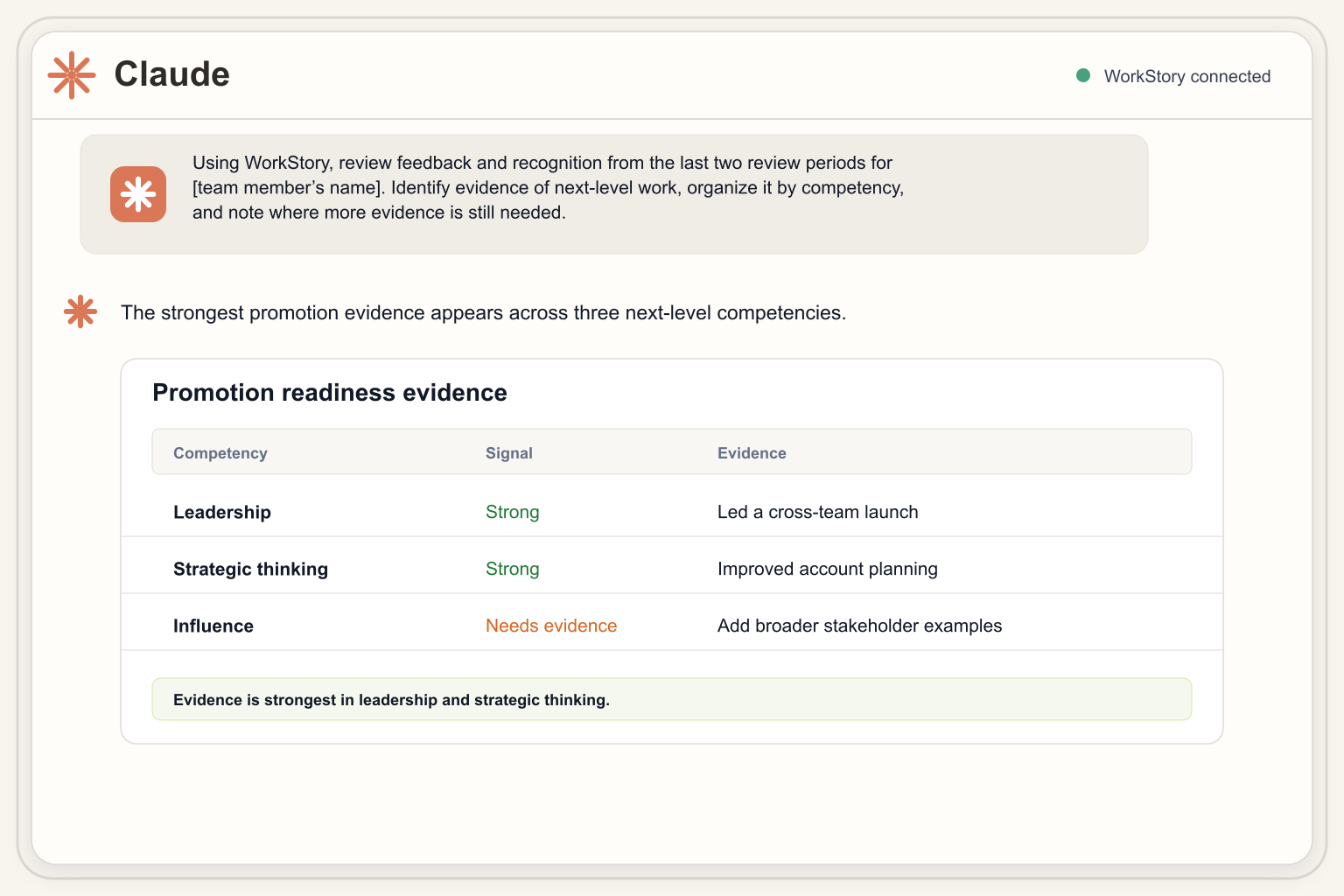
Using WorkStory, review my feedback and performance history and help me build the case for my next promotion, including scope growth, recurring strengths, and specific examples of impact.
Connect WorkStory to your AI workspace.
Choose the AI workspace your team already uses. Setup guides for Claude, ChatGPT and Codex, Gemini, and Microsoft Copilot are available now.

Claude
Connect WorkStory, enable it for a chat, and start asking questions.

ChatGPT + Codex
Connect WorkStory and start asking questions in ChatGPT or Codex.

Gemini
Connect WorkStory in Gemini and ask in plain language.

Microsoft Copilot
Connect WorkStory to Microsoft 365 Copilot or GitHub Copilot.
Turn your evidence into a conversation guide.
Take this use case further by turning your evidence into a conversation guide ready to bring to your manager.
Get honest about readiness
Check whether your evidence shows sustained impact at the next level, not just one strong quarter.
Pull your evidence
Use your own WorkStory feedback to surface recognition, growth, and specific examples of impact over time.
Build the conversation
Turn the evidence into a clear case and opening statement you can bring to your manager with confidence.
Now turn this into a promotion conversation guide. Summarize my scope growth, three specific examples of impact, recurring strengths, and a short opening statement I can use with my manager.
Related use cases
Explore what else you can ask WorkStory.
Browse practical examples for HR, managers, and employees—each built around a focused question and a useful next step.
AI only sees what each person is allowed to see.
WorkStory MCP uses the authenticated user’s company account and existing WorkStory permissions. Asking through an AI tool does not grant access to any additional employee data.
A few useful answers.
What is an MCP?
Model Context Protocol is a standard way for AI applications to connect to external tools and data sources. WorkStory MCP gives supported AI tools a governed way to request WorkStory performance context.
Which AI tools can teams use?
WorkStory MCP is intended for MCP-compatible AI clients, including ChatGPT and Claude environments that support MCP connections. Availability and setup can vary by plan and workspace.
Can the AI see everyone’s performance data?
No. Access is tied to the authenticated user’s company and existing WorkStory access rules. The MCP does not grant broader access simply because a question is asked through AI.
Can it create presentations and documents?
WorkStory MCP provides the relevant performance context. If your AI workspace has document or presentation tools connected, you can ask it to use those findings to create the deliverable.
What kinds of WorkStory data can it use?
Depending on the user’s access, it can help work with feedback history, people and account details, review cycles, and performance review information such as scores, comments, submissions, and status.
How do we get started?
Schedule a walkthrough. We will show your team representative use cases, discuss access and setup, and help identify the first high-value workflows for your organization.
See what your team can do
Use AI to turn your team's performance data into action.
Schedule a walkthrough tailored to your goals, tools, and permissions.
Schedule a walkthrough →Already a WorkStory customer? Ask your account manager.

© 2026 WorkStory. All rights reserved.
